The AI tutor doesn't play lectures. It opens Xcode on your Mac, highlights where to click, types code on your screen at human speed — then hands you the keyboard and checks your work. From idea to a published app and its first revenue. For people who want their own product, not a job.
macOS 14 or later · Free to start — no card required · Meet your AI Tutor
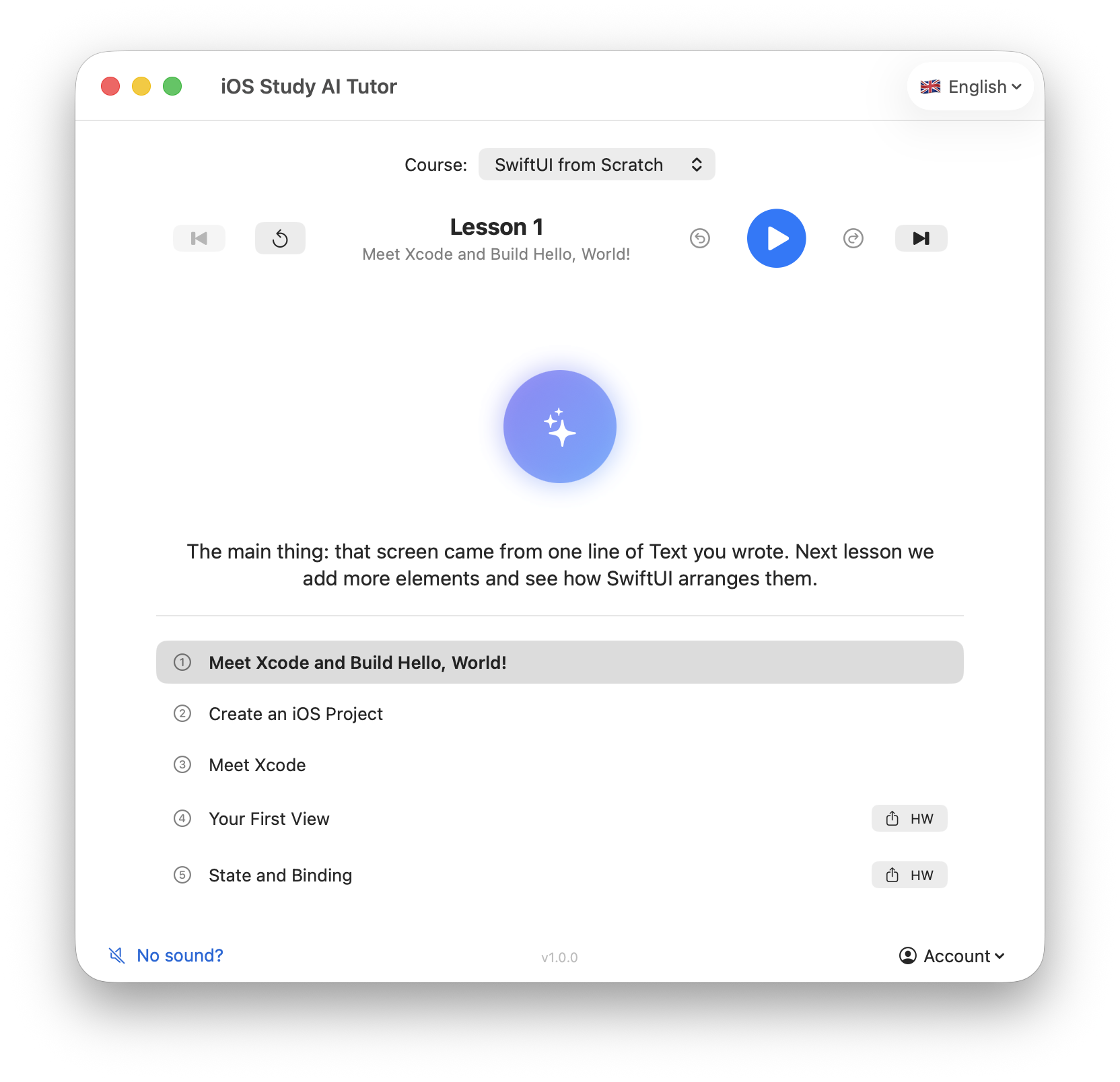
The tutor is a native macOS app that teaches in your real Xcode — the way a senior developer would, sitting next to you.
Highlights the exact button in Xcode and waits until you click it. No more hunting for the right menu on your own.
Writes code in your editor at human speed, explaining every line out loud — and shows each shortcut it presses on screen.
Then hands you the keyboard. It watches you type, catches copy-paste, and won't move on until the code is really yours.
No talking heads. A real walkthrough of the loop you'll live in: learn → build → get reviewed → ship.
We don't prepare you for interviews. We prepare you to create — and we're honest about who this is for.
You've carried it around long enough. Here you'll scope it, build it, and put it on the App Store.
You want to own products, not trade hours. Learn to ship apps and the launch basics that turn a listing into first revenue.
If you're after interview prep and a résumé line, other schools do that better. We optimize for shipped products.
In context, not generic. It sees your current lesson and your actual code — answers apply to the app you're building, not a textbook example.
There when you're stuck. At 11pm on a Tuesday, when a real person isn't. Unstuck in minutes, not next office hours.
Honest limits. Every plan states its AI allowance plainly. No "unlimited" asterisks.
hikes from a background thread, so SwiftUI never re-renders. Wrap the assignment in MainActor — in your HikeService.load(), line 24. Want me to explain why UI updates must happen on the main thread?You moved fast through SwiftUI layouts but slowed down on closures. We added three short practice tasks before your next module.
Every week the system reviews what you actually built: where you flew, where you got stuck, what you skipped.
Then it adjusts — extra practice where you're weak, a faster path where you're strong. You're never guessing what to do next.
And you always see the distance to release: not "course 43% complete," but "here's what's left before your app ships."
The curriculum and the AI tutor's playbook come from Marcus Vela, founder of Vela Labs — shipping production apps and games to the App Store since 2012, from the arcade game Orbital Drift to the medical software VitalTrack.
Not certificates. Real listings on the App Store.
"The AI tutor is what got me through. Every time I stalled, I got an answer about my code in minutes — and eight weeks in, my app passed App Store review."
Courses are one-time purchases you keep forever. The AI Tutor is a separate subscription — your teacher while you learn and build.
Swift & Xcode Starter
One skill, one outcome
Build, Launch & Monetize Your First iOS App
Your personal iOS teacher while you build — with any course above, or your own projects. Courses are owned; AI guidance continues through subscription. Cancel anytime.
More on payments, refunds, and Apple review — in the pricing FAQ.
First module + AI tutor trial. No card required.